Introducing the Usetix AI Agent
Starting today, every Usetix admin dashboard ships with a built-in AI agent.
No separate tool. No third-party integration. Just open the command palette, type your question, and get help, right where you already work.
What it does
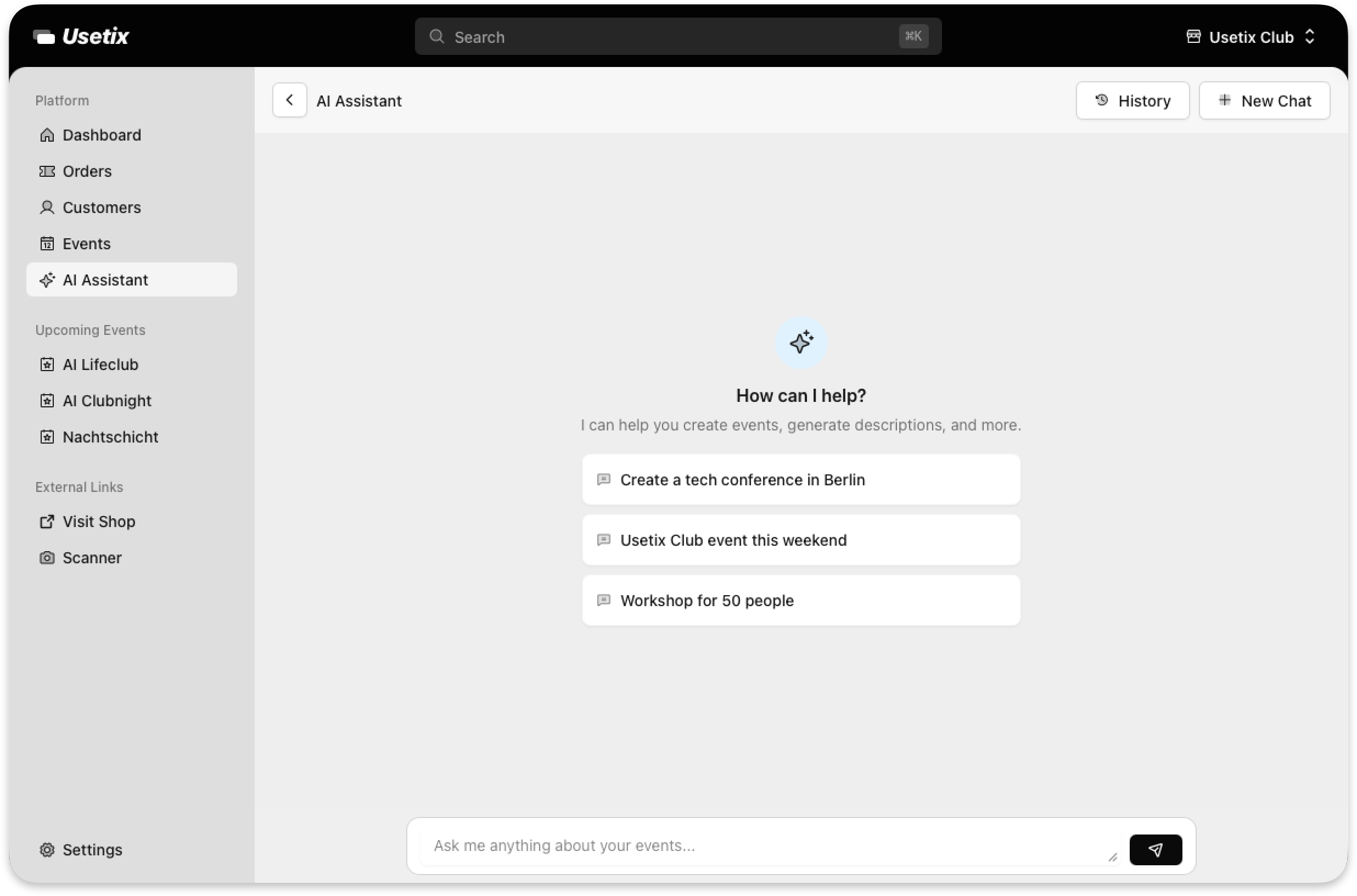
The Usetix AI Agent lives inside your admin area. It understands your events, your ticket shops, your orders, and your settings. You can ask it things like:
- “How many tickets did I sell last weekend?”
- “Which events are coming up this month?”
- “What’s my best-selling ticket type?”
It answers in plain language, pulling from your actual data. Think of it as a team member who knows your entire account inside out and never sleeps.
How it works
Open the command palette (the search bar at the top of your dashboard) and choose Ask AI. Type your question, review it, hit send. The agent streams its response in real time, no waiting, no page reloads.
Your full chat history is saved, so you can pick up where you left off. Every conversation stays private to your account.
Built for event organizers
This isn’t a generic chatbot bolted on. The AI Agent is deeply integrated into Usetix. It understands your events, your ticket types, your sales data, and gives you concrete answers instead of generic suggestions.
Privacy first
Your data stays yours. The AI Agent only sees what’s in your account, nothing leaves your dashboard. We don’t use your data to train models. All processing happens on secured infrastructure in line with our GDPR commitment.
Try it now
The AI Agent is live for all Usetix accounts. Log in to your admin dashboard, open the command palette, and ask away.
Questions or feedback? We’d love to hear from you, support@usetix.io.